
Masking PSI Fields
Masking PSI fields protects sensitive customer data from unauthorised access. When enabled, Capillary hides PSI fields in API responses and the Member Care UI unless the user or API client has explicit permission to view them.
This helps you:
- Limit access to sensitive information
- Reduce accidental data exposure
- Meet internal security and privacy requirements
PSI masking determines whether data is shown or hidden based on who is accessing the data and how the access is performed.
How PSI masking works
Capillary applies PSI masking differently for Member Care users and API consumers.
Masking is evaluated at runtime using:
- Organisation-level configuration
- Field-level PSI marking
- Access permissions (User or API client)
Organisation-level PSI masking control
PSI masking is controlled at the organisation level using the configuration CONF_PSI_MASKING_ENABLED.
Behaviour
-
When CONF_PSI_MASKING_ENABLED = false
- PSI masking is disabled.
- All fields are returned unmasked, regardless of PSI marking or access permissions.
-
When CONF_PSI_MASKING_ENABLED = true
- PSI masking is enabled.
- Capillary evaluates masking for each request based on:
- Whether the field is marked as PSI
- Whether the user or API client has PSI access
Once enabled, this configuration applies across:
- Member Care UI
- Supported APIs
This option is disabled by default.
PSI masking in Member Care
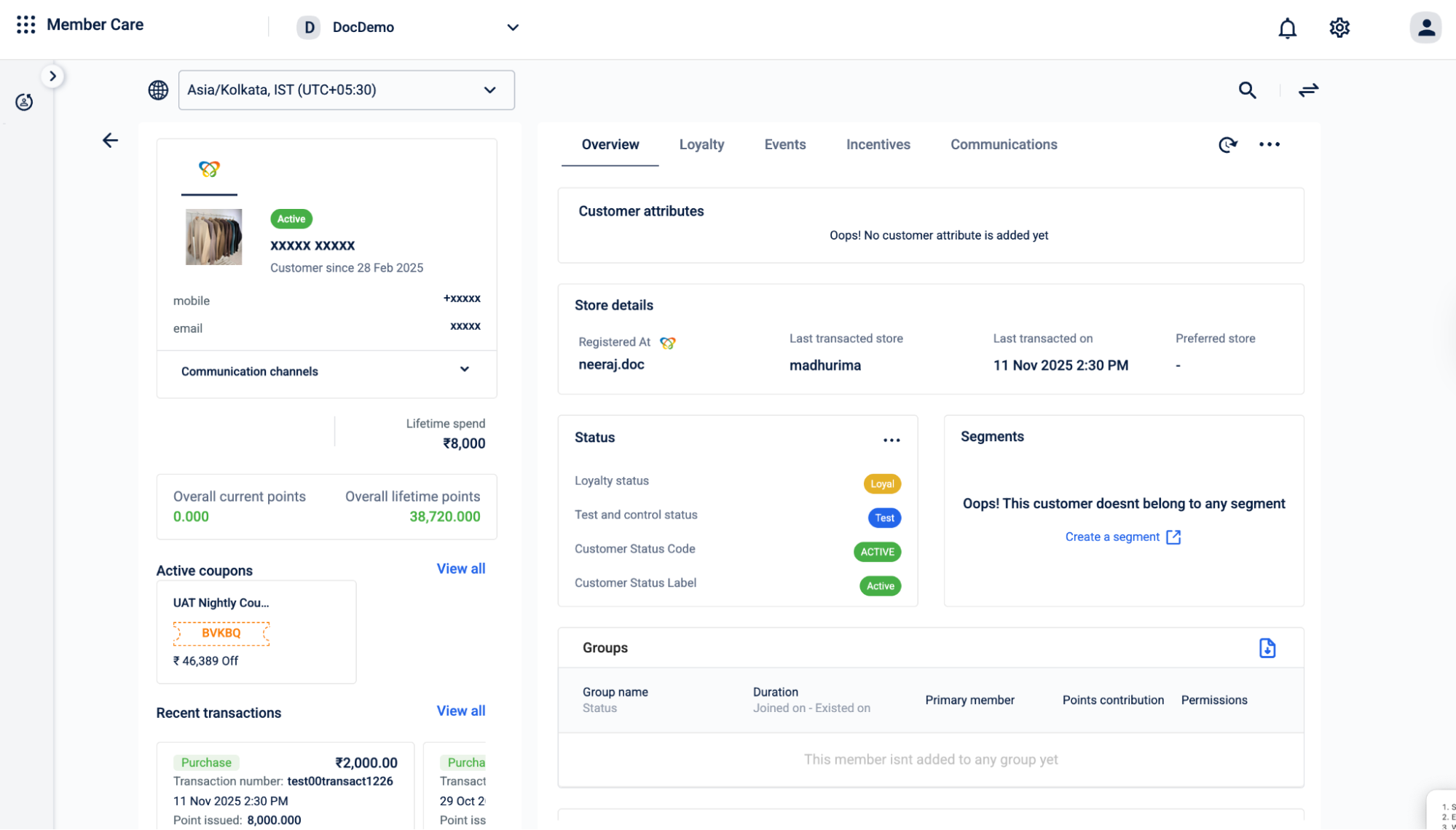
In Member Care, PSI masking depends on user access.
How it works
When PSI masking is enabled for the organisation:
-
Users without PSI access see masked values (
*****) for PSI-marked fields. -
Users with PSI access see unmasked values.
PSI masking for APIs
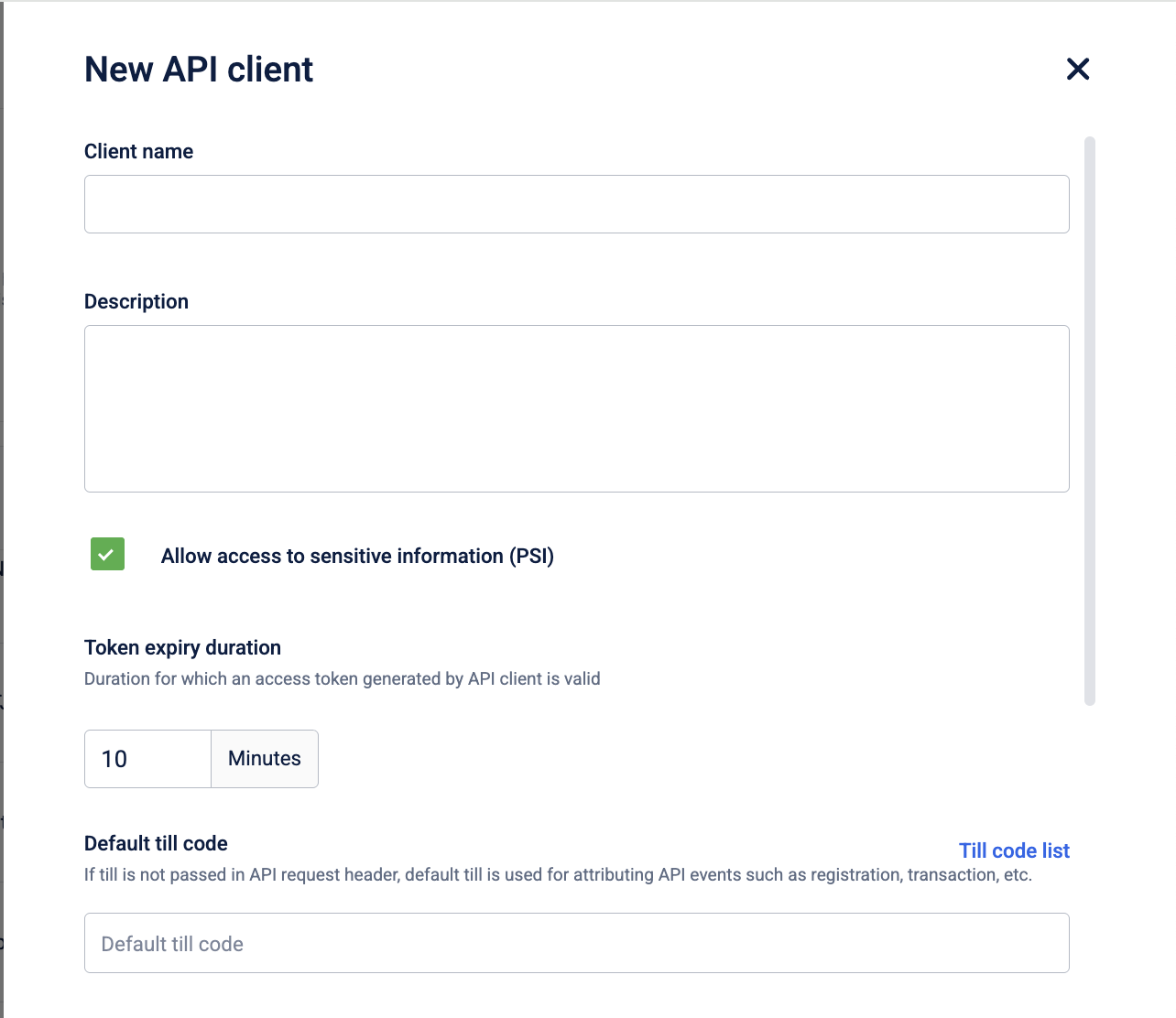
For APIs, PSI masking depends on API client permissions, not user roles.
How it works
When PSI masking is enabled for the organisation:
-
API clients without PSI access receive masked values for PSI-marked fields.
-
API clients with PSI access receive unmasked values.
Masking applies to all supported APIs that return PSI-marked data.
When PSI masking does not apply
PSI masking is not applied in the following cases:
- Basic authentication flows
- Internal system integrations that do not use OAuth
- API calls where PSI masking is explicitly disabled
Updated about 1 hour ago