
What has Changed after Timezone Standardization
The list below explains module-wise changes to the date and time field across the Intouch UI.
| Module | UI Component / Screen | Behavior | Reference Timezone |
|---|---|---|---|
| MemberCare | Search & Detail View | Allows selection | Org Timezone (Default) or User Selection |
| Promotions (New UI) | Creation Flow | Allows selection | Selected IANA Timezone |
| Promotions (New UI) | Listing (Duration) | View Only | Timezone selected during creation |
| Promotions (New UI) | Listing (Updated at) | View Only | Organization Timezone |
| Campaigns | Creation & Listing | View Only | Organization Timezone |
| Audience | Listings & Details | View Only | Organization Timezone |
| Audience | Filter Date Ranges | Input | Server Time (UTC) |
| Journeys | Listing & Details | View Only | Organization Timezone |
| Cart Promotions | Creation & Listing | View Only | Organization Timezone |
| Streaks | Creation & Listing | View Only | Organization Timezone |
| Milestones | Creation & Listing | View Only | Organization Timezone |
| Alternate Currency | Creation & Listing | View Only | Organization Timezone |
| Gift Cards | Creation & Listing | View Only | Organization Timezone |
| Event notifications | Promotions, Loyalty, Platform | Date-time values are communicated using epoch milliseconds. If a field was not already available in milliseconds, a *InMillis shadow field is added. | Epoch |
Timezone standardization does not apply to the following modules:
- Badges (Future development)
- Offers (Future development)
- Marvel Rewards (Will be implemented in the new Rewards UI)
- Insights (Future development)
Module-wise timezone behaviour after timezone standardization
CDP
i. MemberCare
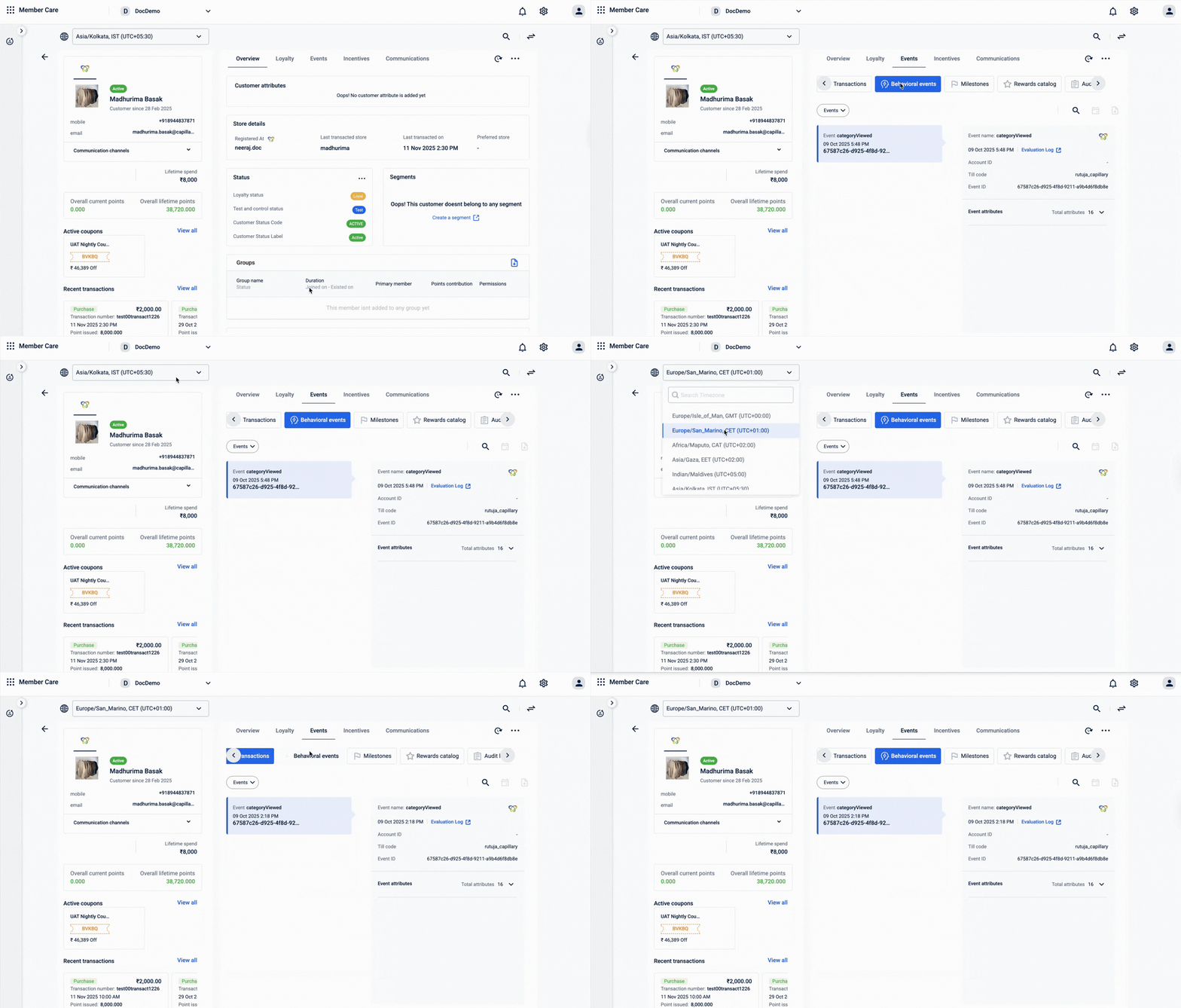
By default, all date and time values in Member Care are displayed using your base organization timezone.
If you want to view date and time information in a different timezone, select the required timezone from the timezone dropdown. The available timezones are populated from the supported timezones configured in your organization settings.
Loyalty
i. Promotions (New UI)
Promotion creation:
When you create a promotion, you can select the timezone from a timezone dropdown. This timezone represents the local time in which the promotion is created and scheduled.
The available timezones in the dropdown are populated from the supported timezones configured in your organization settings. In the new Promotions UI, this behaviour is enabled by default.

ii. Promotion listing page
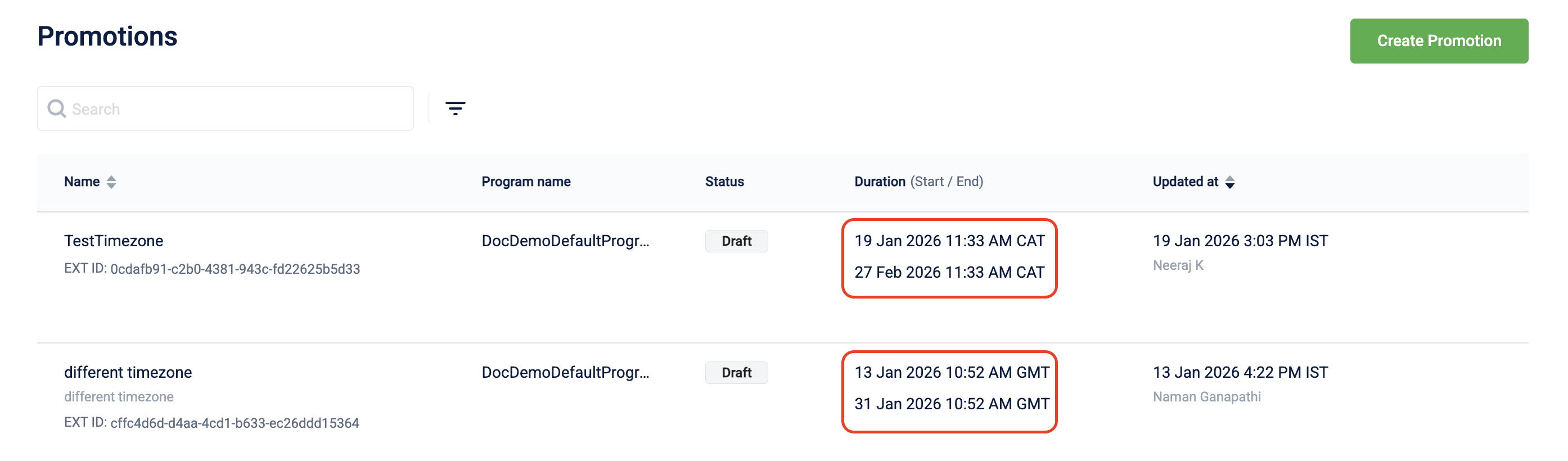
The promotion listing page displays date and time values for Duration in the timezone selected at the time of promotion creation, while date and time values for Updated at are displayed in the organization’s timezone, regardless of the timezone used during promotion creation.
For example, if a promotion was created using the GMT timezone, the listing page shows the promotion dates and times in GMT.
iii. Streaks
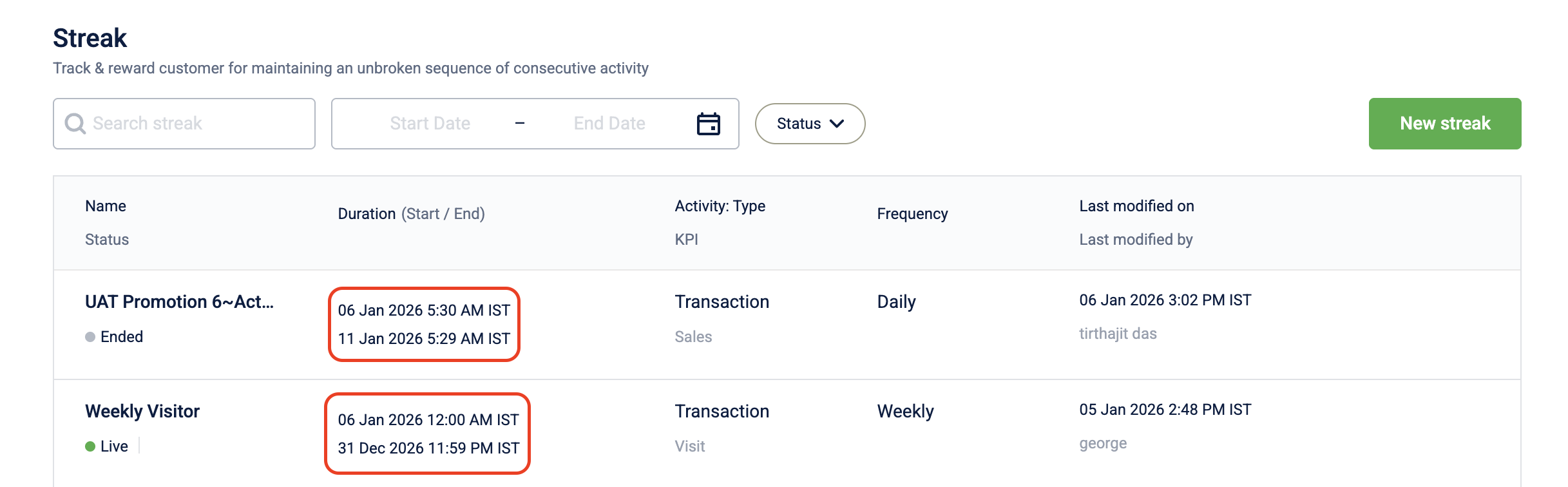
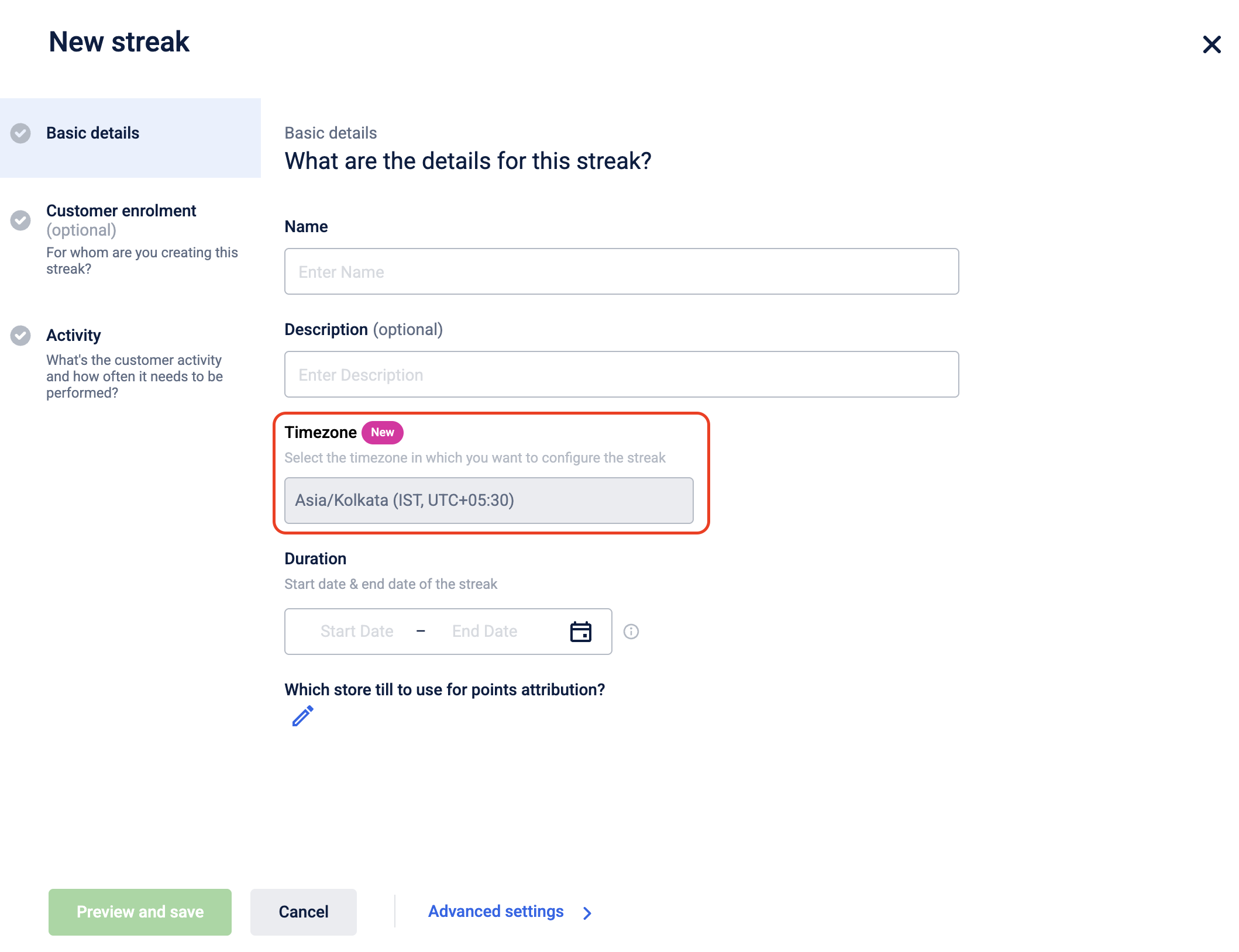
During creation and on the listing page, all date and time values follow the organization timezone.
Incentives
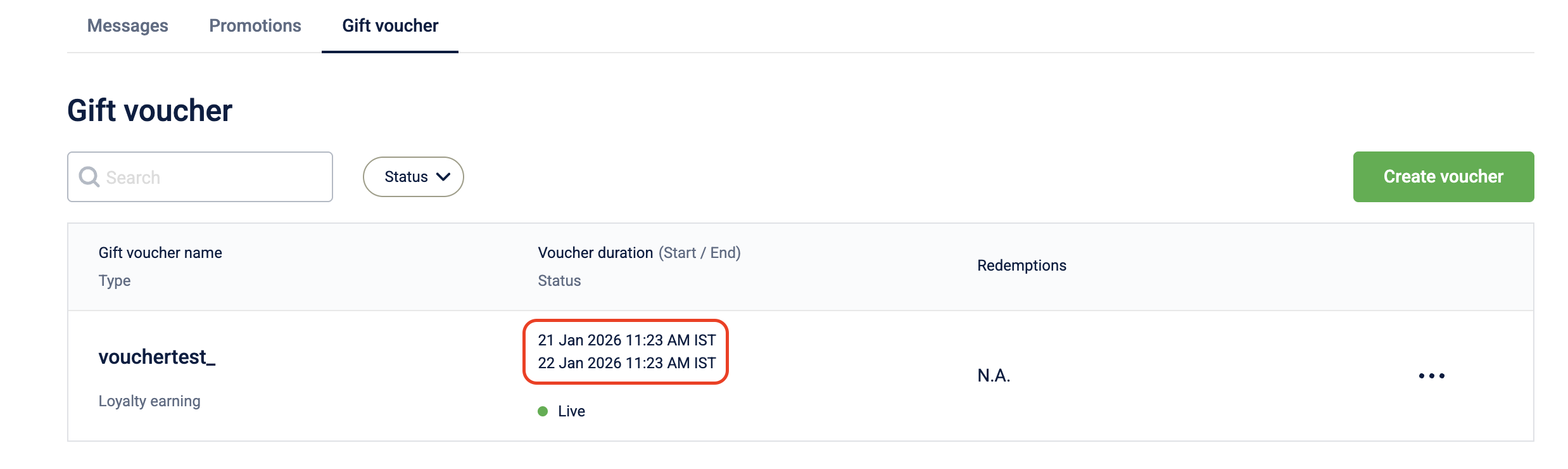
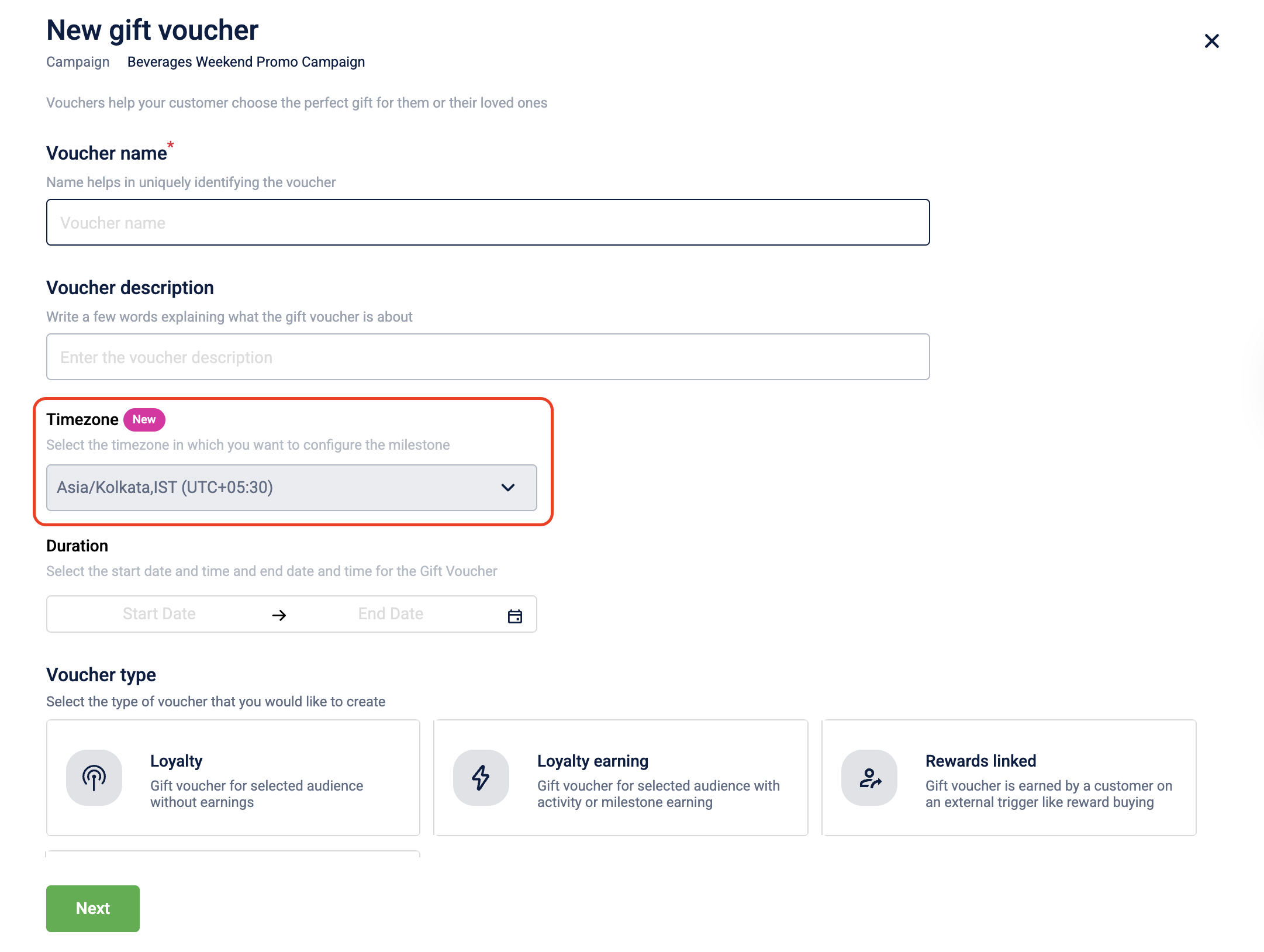
i. Gift voucher
During creation and on the listing page, all date and time values follow the organization timezone.
ii. Cart promotion
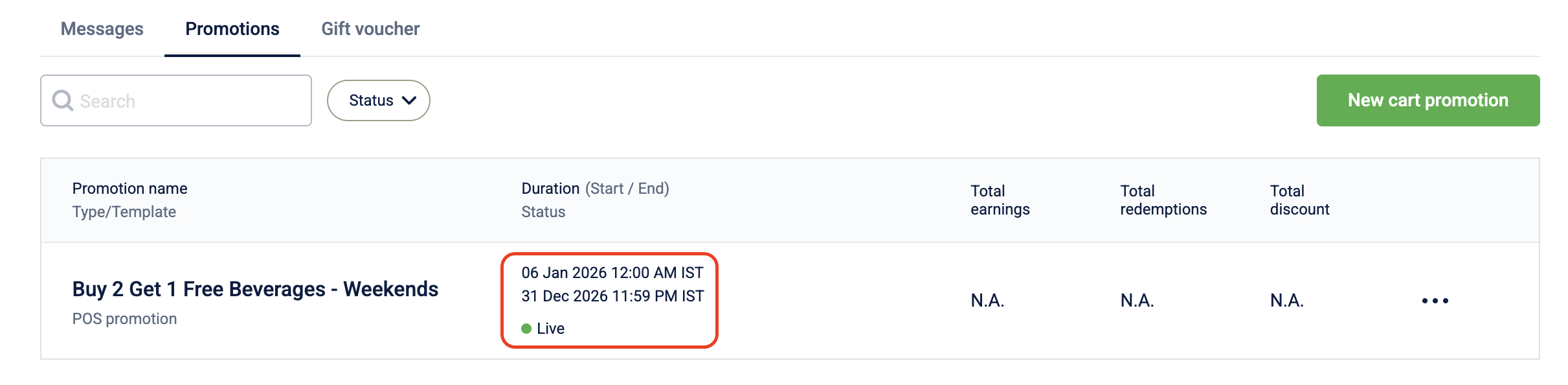
During creation and on the listing page, all date and time values follow the organization timezone.

iii. Milestone
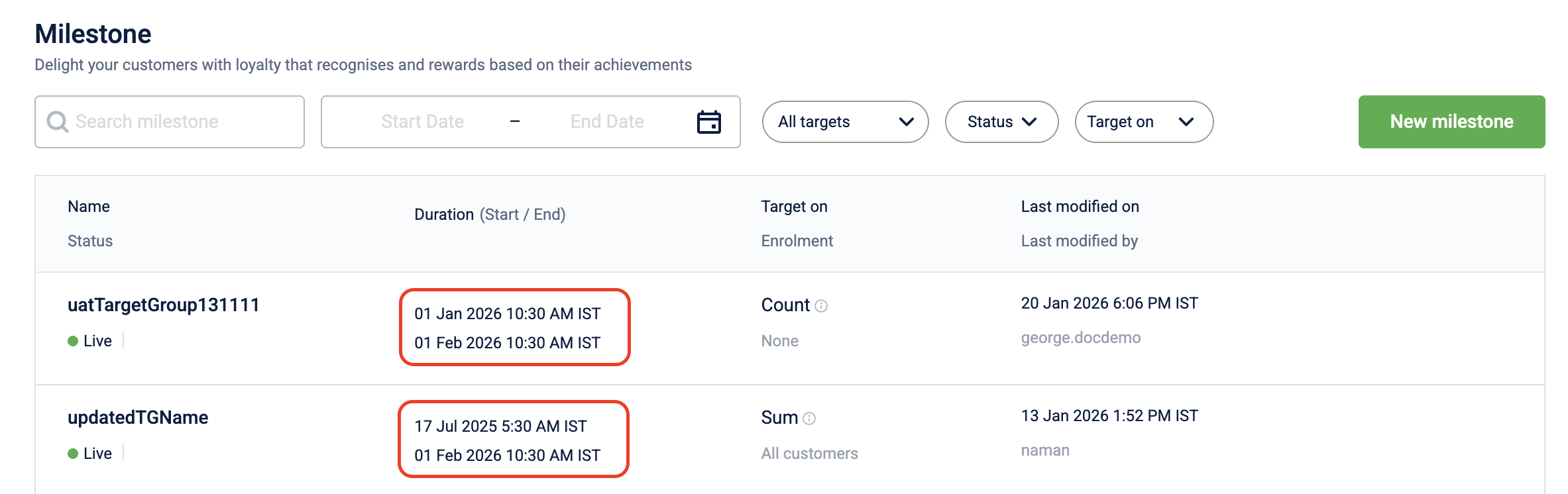
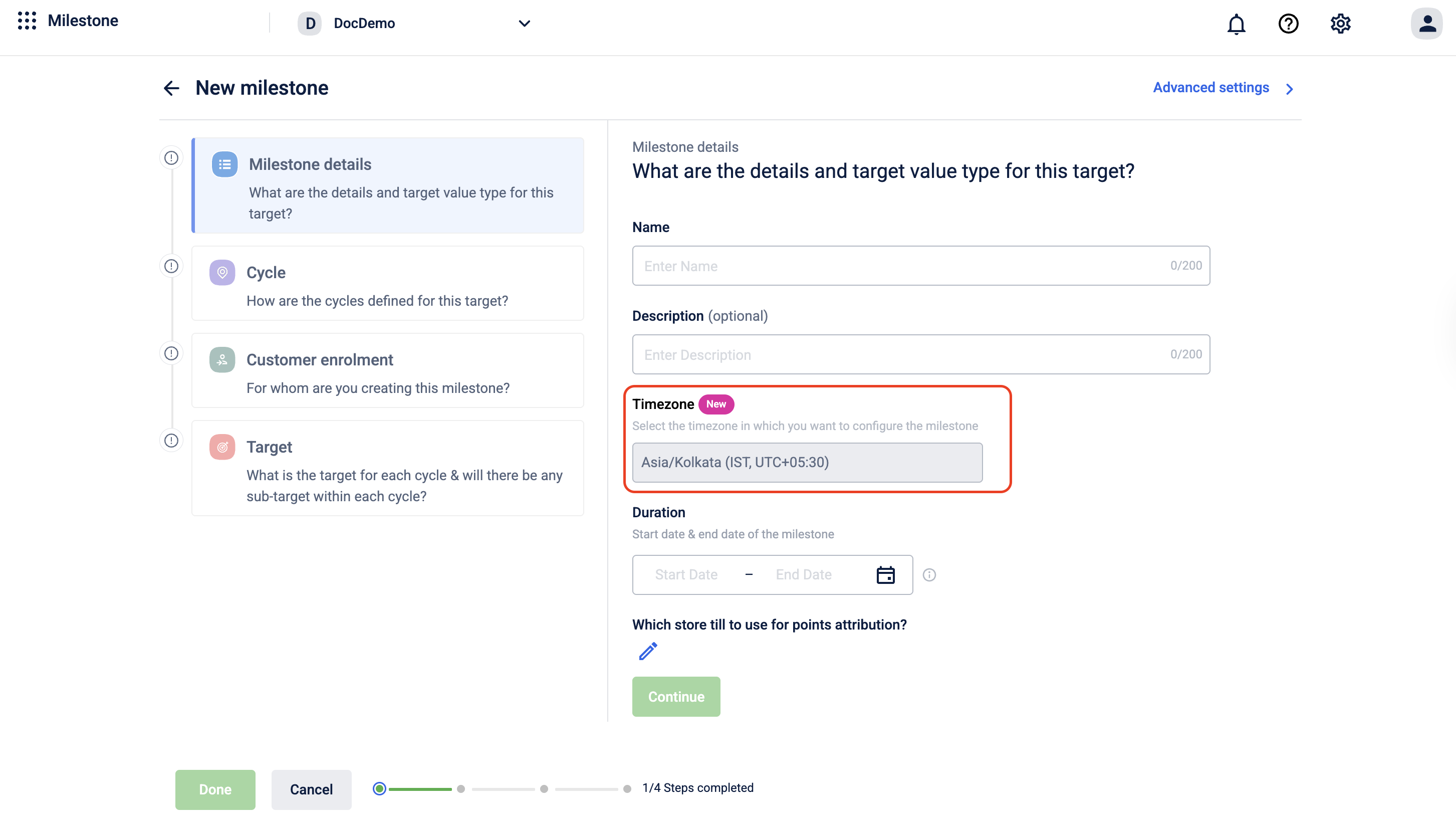
During creation and on the listing page, all date and time values follow the organization timezone.
Engage
i. Campaigns
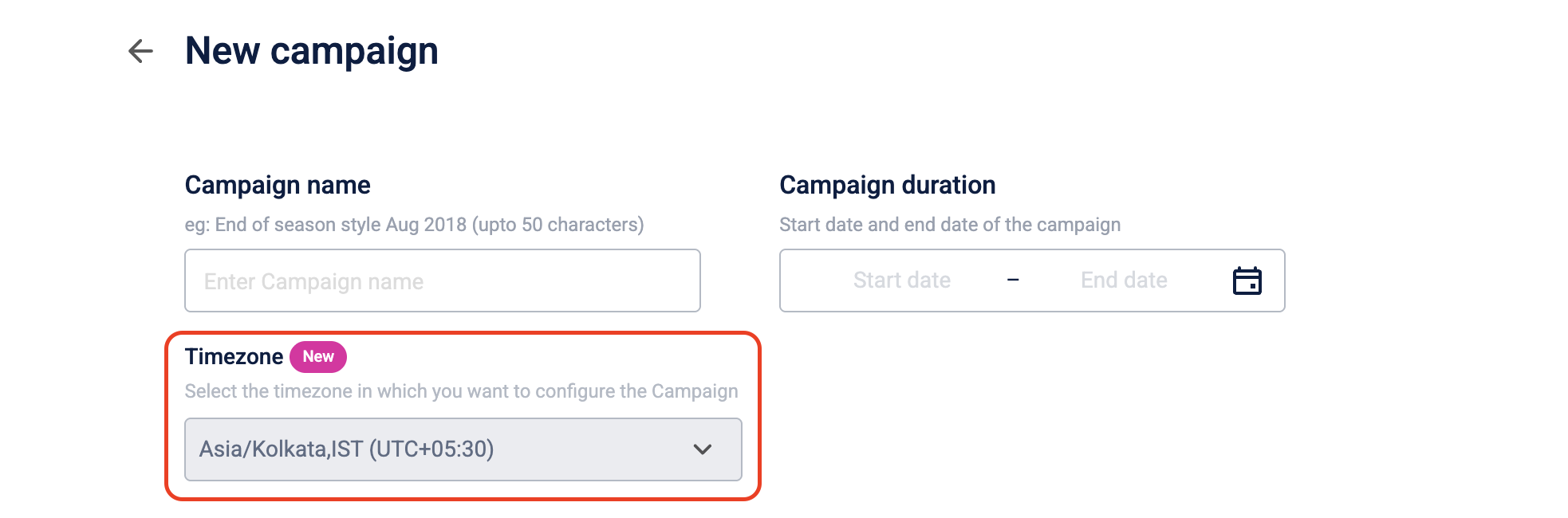
When you create a campaign, all date and time values use the organization base timezone. You cannot select a different timezone during creation.
The campaign listing and detail pages also display dates and times in the organization base timezone.
ii. Audience
The audience listing page displays all date and time values in the organization timezone.

iii. Journeys
The listing page and detail page display all date and time values in the organization timezone.

Updated 7 days ago