
Trigger block
Define how this dataflow will be triggered
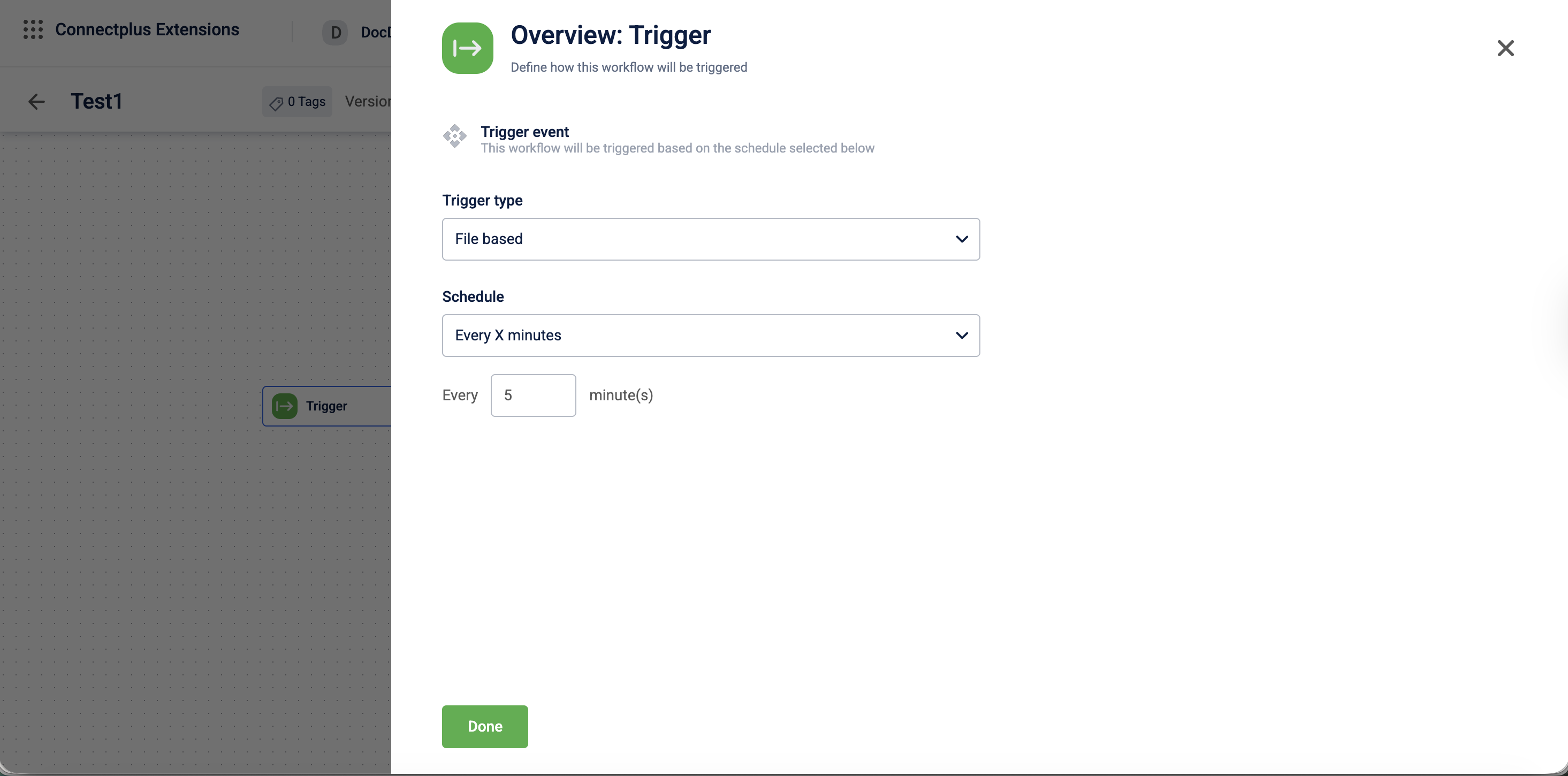
The Trigger block defines when and how a Connect+ dataflow runs. It allows you to configure the trigger type and set the schedule for the dataflow. It is the first block in your Connect+ dataflow and is available by default when the dataflow is created.
When to use
Configure this block when you need to:
- Schedule a file-based dataflow to run at regular intervals, such as every X minutes, hours, or days.
- Trigger a dataflow from a Kafka stream instead of a file.
- Set a specific time or day-based schedule for dataflow execution.
Prerequisites
Before configuring this block, ensure the following:
- You know the trigger type required for your dataflow:
File basedorKafka stream. - The schedule interval for the dataflow.
Configuration fields
| Field name | Required | Description |
|---|---|---|
| Trigger type | Yes | The method used to trigger the dataflow. Select File based or Kafka stream from the dropdown. Default value: File based. |
| Schedule | Yes | The interval at which the dataflow is triggered. Select Every X minutes, Every X hours, At specific time, Every X days, or Every week day from the dropdown. Default value: Every X minutes. |
| Every ___ minute(s) | Yes | The number of minutes between each trigger. Appears when Schedule is set to Every X minutes. Default value: 5. |
Updated 3 months ago
Did this page help you?