
Configure a Loyalty Promotion Report
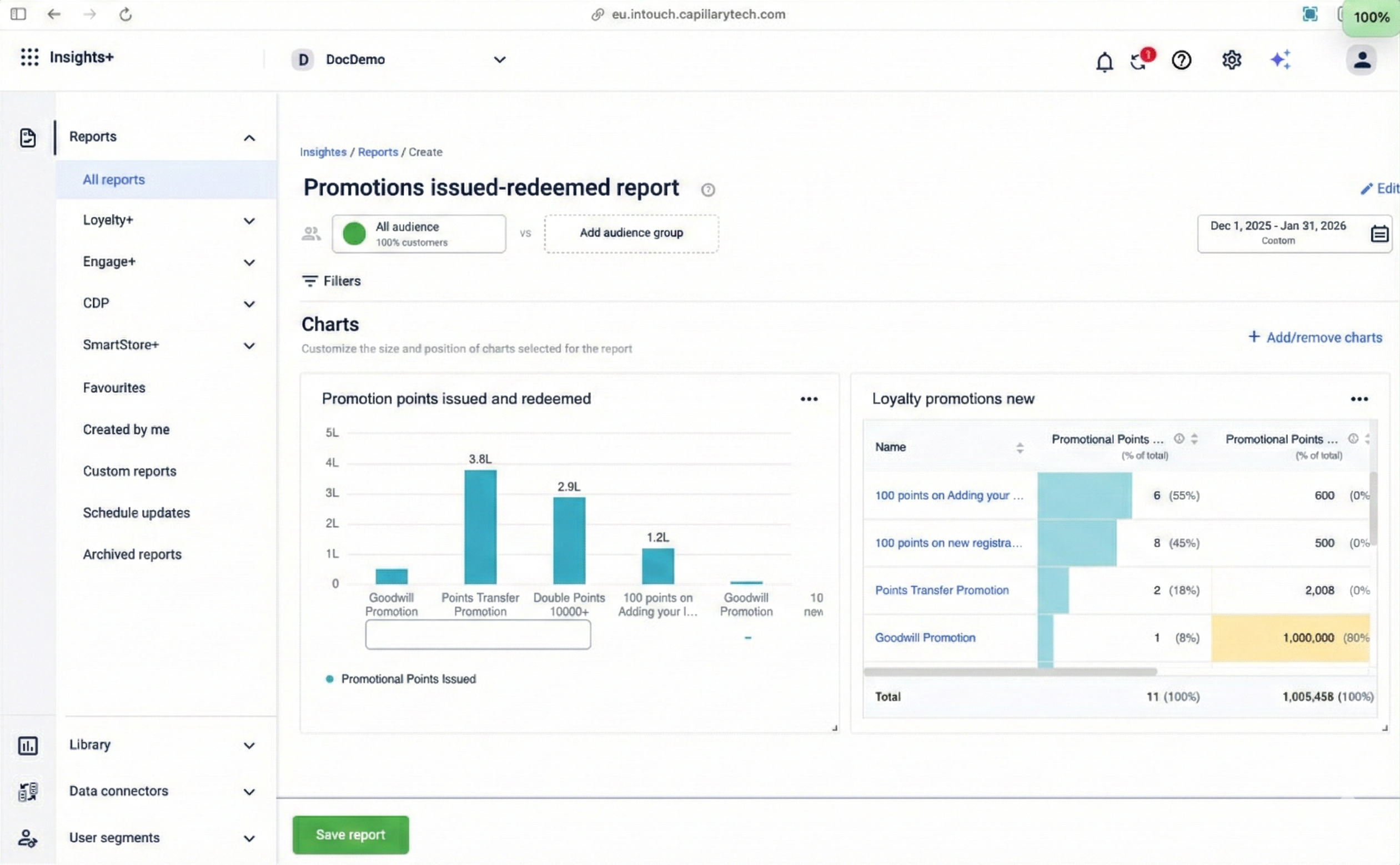
Reporting for the new loyalty promotions is available on Insights+ and DataBricks. You can create a custom report and include data from a loyalty promotion. To create a custom loyalty promotions report, refer Create Report
To build the custom reports, you can use the following fact tables on Databricks:
| Fact | Fact Table | Purpose & Documentation |
|---|---|---|
| Enrollment | issued_promotions_fact | Records every instance a customer is successfully enrolled in or issued a promotion. Use this to measure the reach of your campaign. View Table Documentation |
| Opt-in | earned_promotions_fact | Records when a customer successfully completes the required activity and meets the qualifying conditions. Use this to measure conversion. View Table Documentation |
| Reward Currency | points | The central ledger for all currency transactions. Use this to track the exact number of points or currency issued specifically by a promotion. View Table Documentation |
| Metadata | points_promotions | This dimension table stores the configuration details (Name, ID, Type) of your promotions. You link this to the fact tables to filter data by specific campaigns. View Table Documentation |
Updated 5 months ago
Did this page help you?