
SFTP (Read) block
Configuration reference for the Connect to Source block — polls an SFTP or FTP server and downloads files for processing.
The sftp_read block is the source or the Connect to Source block in a Connect+ dataflow. It connects to a remote SFTP server on scheduled intervals, matches files in a specified directory using a regex pattern, downloads them for processing, and moves them to a processed directory.
When to use this block
Use this block when your input files are stored on a remote SFTP server and need to be retrieved on a scheduled basis.
Prerequisites
Before configuring this block, make sure you have:
- SFTP hostname, username, and password
- A source directory on the SFTP server where input files will be placed
- A processed directory on the SFTP server where files will be moved after download
- An error directory path for API error files
- A regex pattern that matches your input filenames
Note
Connection to the SFTP/FTP server fails if your account has Multi-Factor Authentication (MFA) enabled.
Standard properties
| Field name | Required | Description |
|---|---|---|
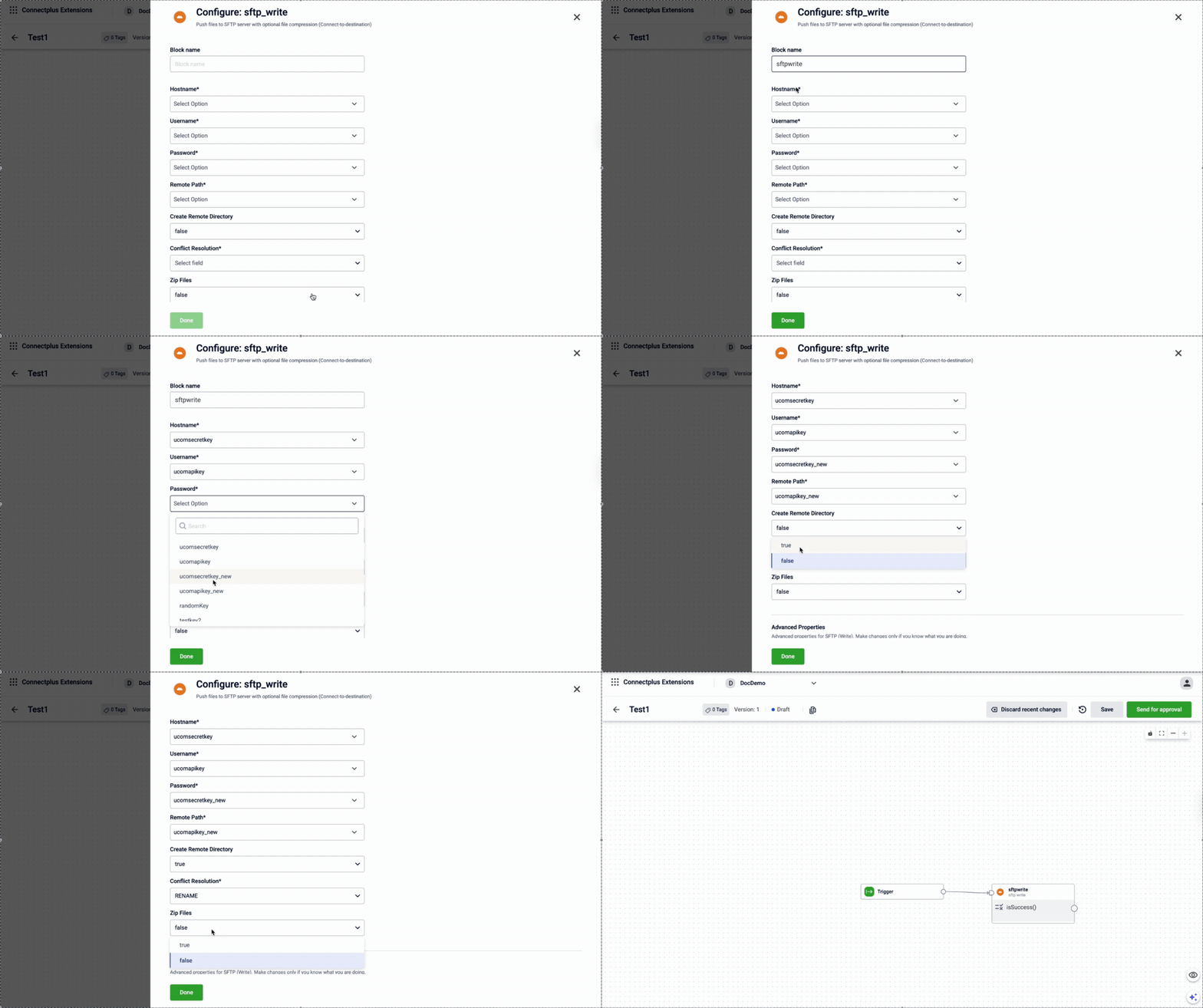
| Block name | Yes | A name for the block instance. The name must be alphanumeric. There is no character limit. |
| Hostname | Yes | The SFTP hostname. Select a value from the dropdown. The list shows all values configured in the Extension Configuration section of the Dev Console. For example, data.capillarydata.com. |
| Username | Yes | The SFTP username. Select a value from the dropdown. The list shows all values configured in the Extension Configuration section of the Dev Console. For example, sftp_user. |
| Password | Yes | The SFTP password. Select a value from the dropdown. The list shows configurations marked as secret in the Extension Configuration section of the Dev Console. For example, sftp_password.Note: When creating a password configuration in the Extension Configuration section of the Dev Console, set Is Secret to make it available in the dropdown. |
| Source Directory | Yes | The remote source directory to read from. Select a value from the dropdown. The list shows all values configured in the Extension Configuration section of the Dev Console. For example, /APAC2Cluster/A_Connect. |
| Filename Pattern | Yes | The regex used to match remote files. Filename pattern: .*.csv |
| Processed Directory | Yes | The remote directory to move processed files to. For example, /APAC2Cluster/Process. |
| API Error Filepath | Yes | The remote path where the error file will be placed. For example, /APAC2Cluster/Errors. |
Note
Use unique source, processed, and API error directories for each
Livedataflow. Sharing directories across multiple dataflows can cause files to be picked up by the wrong dataflow, leading to race conditions or misrouted error files.
Advanced properties
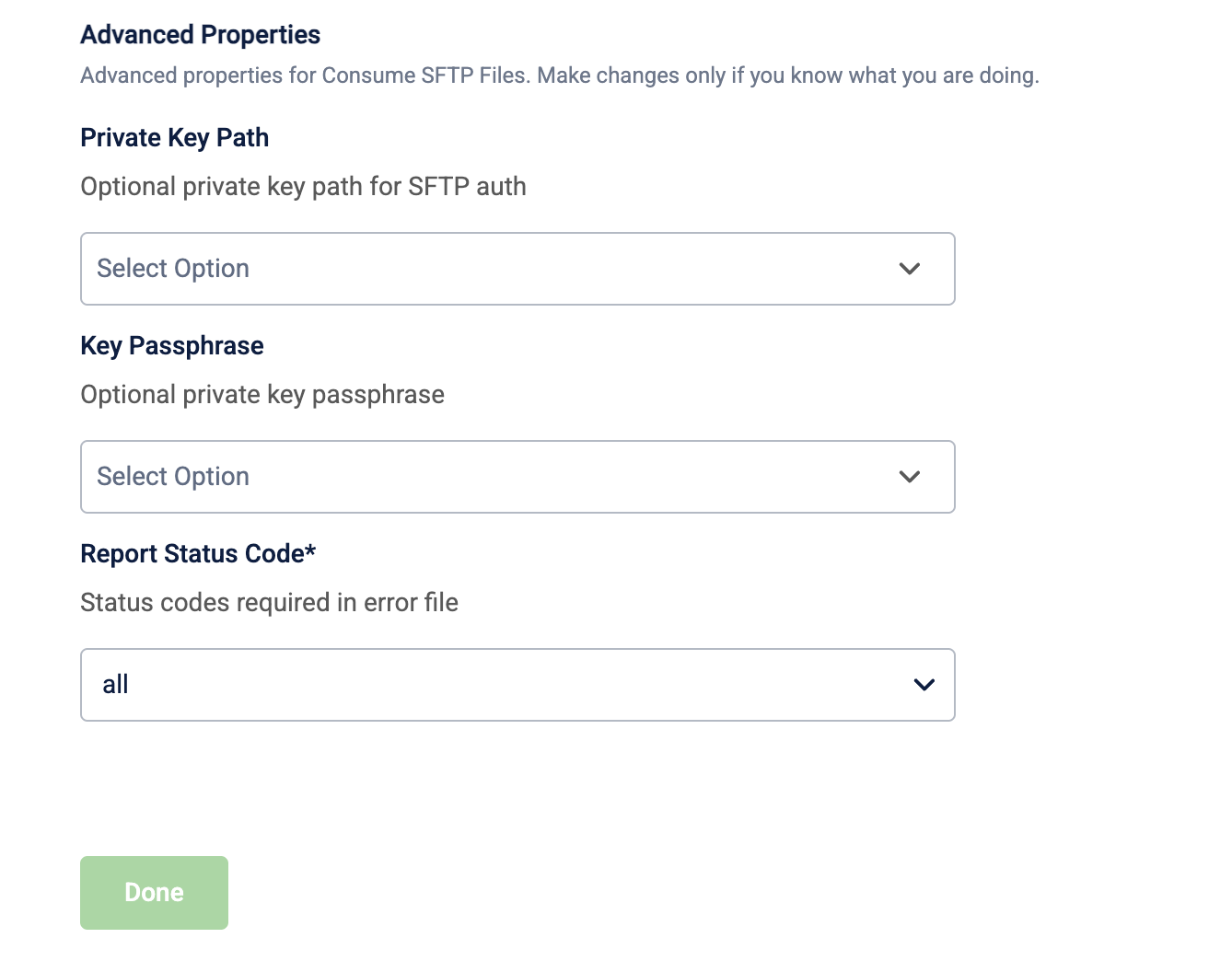
⚠️ Make changes to advanced properties only if you know what you are doing.
| Field name | Required | Description |
|---|---|---|
| Private key path | No | The optional private key path for SFTP authentication. For example, /home/user/.ssh/id_rsa. |
| Key passphrase | No | The optional passphrase for the private key. Set to null if no passphrase was used. |
| Unzip Files | No | Unzips incoming files before validation. Select true to enable or false to disable. Default value: false. |
| Search Directory Recursively | No | Searches nested folders when listing files. Select true to enable or false to disable. Default value: false. |
| Port | No | The SFTP port. Default value: 22. |
| File Delimiter | No | The delimiter used for file validation. Default value: ,. |
| Report Status Code | No | The status codes to include in the error file. For example, all. Default value: all. |
Updated 3 months ago