
Transform (CSV to XML) block
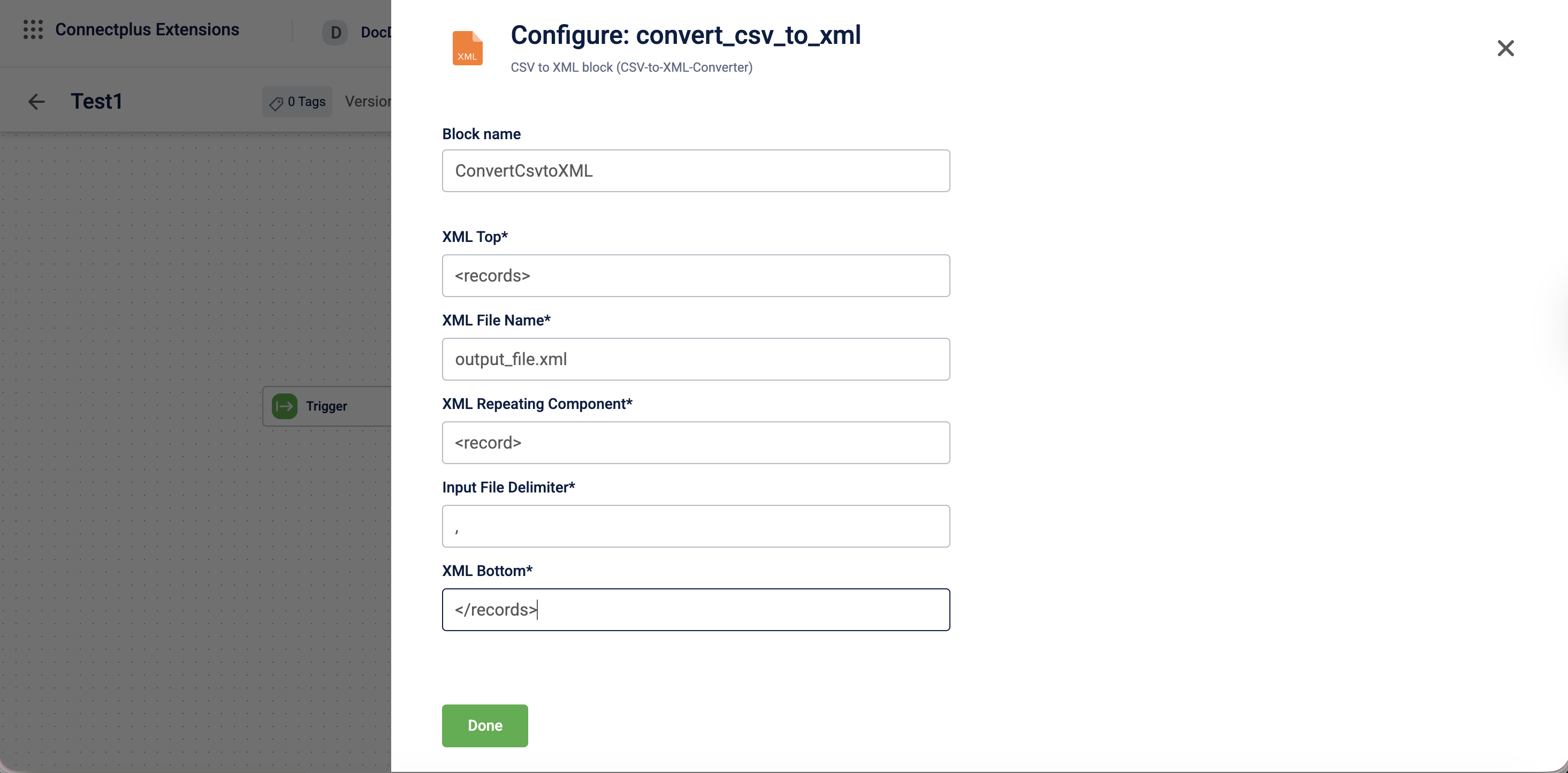
The convert_csv_to_xml block converts CSV files into XML format. It acts as a transformation block in a Connect+ dataflow, sitting between the source and destination blocks to produce structured XML output from ingested CSV data. The block allows you to define the XML document structure by specifying the top-level wrapper element, the repeating row component, the file delimiter used in the source CSV, the output XML filename, and the closing bottom element.
When to use this block
Use this block when a downstream system or destination requires data in XML format rather than CSV or JSON.
Prerequisites
Before configuring this block, make sure you have:
- Defined the expected XML structure, including the wrapper and repeating element names
- Identified the delimiter used in the source CSV file
Configuration fields
| Field name | Required | Description |
|---|---|---|
| Block name | No | A name for the block instance. The name must be alphanumeric. There is no character limit. |
| XML Top | Yes | The opening XML element that wraps the entire document. For example, <records>. |
| XML file name | Yes | The name of the output XML file to be generated. For example, output_file.xml. |
| XML Repeating Component | Yes | The XML element that wraps each row from the CSV file. For example, <record>. |
| Input File Delimiter | Yes | The character used to separate fields in the input CSV file. For example, , for comma-separated or ` |
| XML Bottom | Yes | The closing XML element that ends the document. For example, </records>. |
Updated 3 months ago
Did this page help you?