
Databricks (Jobs) block
This block will be deprecated in future releases.
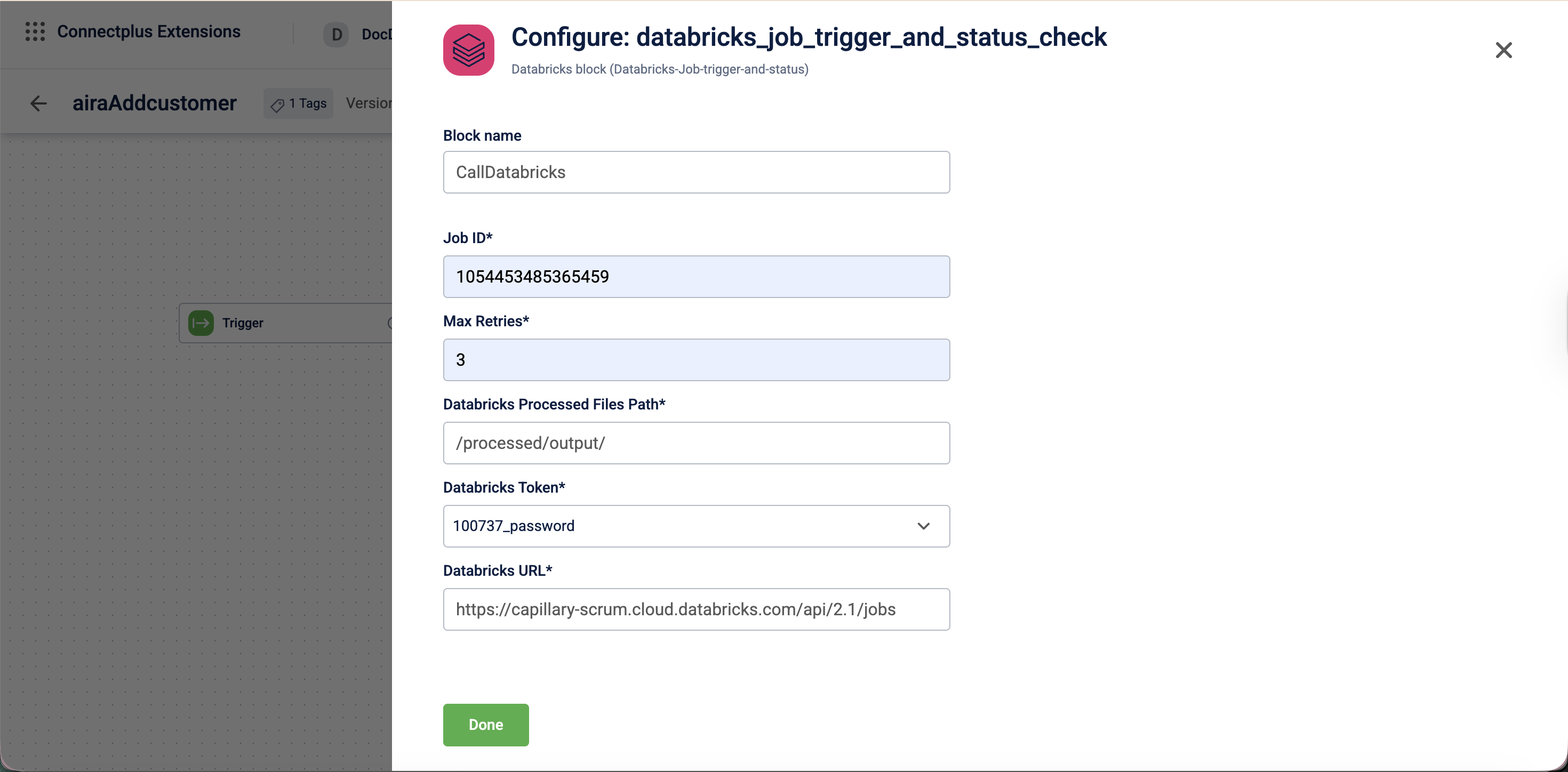
The databricks_job_trigger_and_status_check block triggers a pre-existing Databricks notebook job and monitors its completion status. It acts as a transformation block in a Connect+ dataflow, validating and processing incoming data before passing it to downstream blocks. The block authenticates with the Databricks API using a personal access token, stores processed files at a specified path, and retries status checks until the job completes or reaches the maximum retry limit.
When to use this block
Use this block when your dataflow needs to trigger a Databricks job and wait for it to complete before downstream processing continues. This block triggers the job only.
Note: To run a custom Databricks job and return the results to Connect+ for use in downstream blocks, use the Databricks (Validation) block instead.
Prerequisites
Before configuring this block, make sure you have:
- The Databricks job ID
- A Databricks personal access token registered in Connect+
- The Databricks API URL
- A file path where Databricks stores its output files
Configuration fields
| Field name | Required | Description |
|---|---|---|
| Block name | No | A name for the block instance. The name must be alphanumeric. There is no character limit. |
| Job ID | Yes | The ID of the Databricks job to trigger. |
| Max Retries | Yes | The maximum number of times the system checks the job status before marking the file as failed. |
| dataBricks Processed Files Path | Yes | The destination file path where Databricks stores the output files after executing the job, regardless of whether the job succeeds or fails. For example, /processed/output/. |
| dataBricksToken | Yes | The personal access token used to authenticate with the Databricks API. Select the token from the dropdown. |
| dataBricksUrl | Yes | The Databricks API URL used to trigger and monitor the job. |
Updated 25 days ago