
Enabling and Accessing Loyalty Promotions
How can I enable and access loyalty promotions?
Note: The loyalty promotions UI is enabled by default for all organizations created after January 2026. For organizations with both old loyalty promotions and new promotion UI, each serves a specific purpose to ensure a smooth transition. Use the old UI to view and manage ongoing loyalty promotions created in that system. Use the new UI to create all new promotions.
Enabling the loyalty promotions UI
The loyalty promotions UI is not enabled by default for all organizations created before January 2026. To enable the new promotions UI, raise a JIRA ticket to the Capillary product support team.
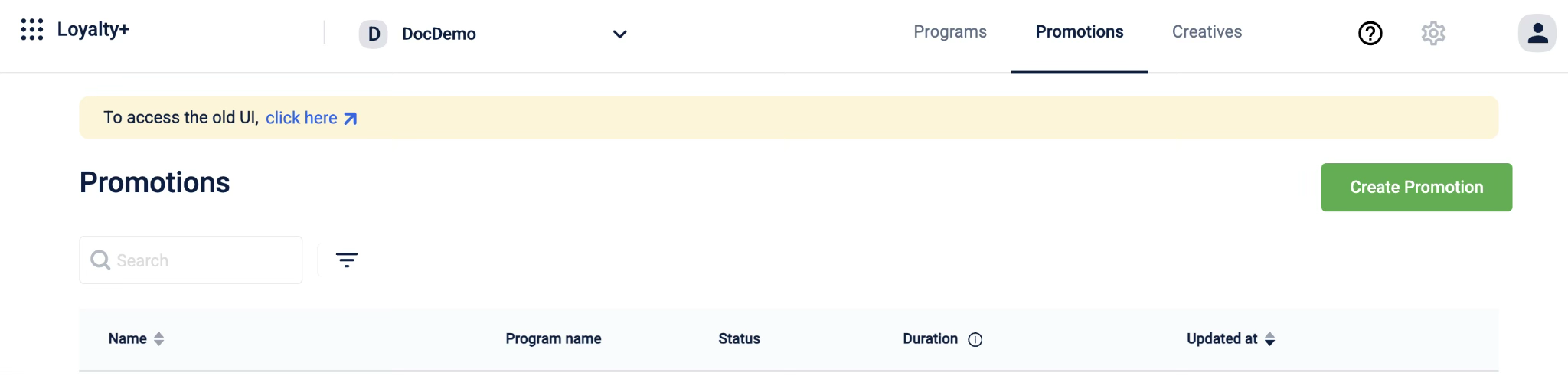
Accessing loyalty promotions from the UI
Once you have access to the loyalty promotions UI, based on your permissions, you will be able to access various features such as creating, viewing, or approving loyalty promotions. If you have the old loyalty promotions, you can
Accessing from the old UI
Once you have access to the loyalty promotions UI, you can navigate to the loyalty promotions UI from the old UI page.
To navigate to the listing page, follow these steps:
-
Select the Promotions tab from the Loyalty+ program page.
-
Select click here from the message prompt to access the loyalty promotions UI.
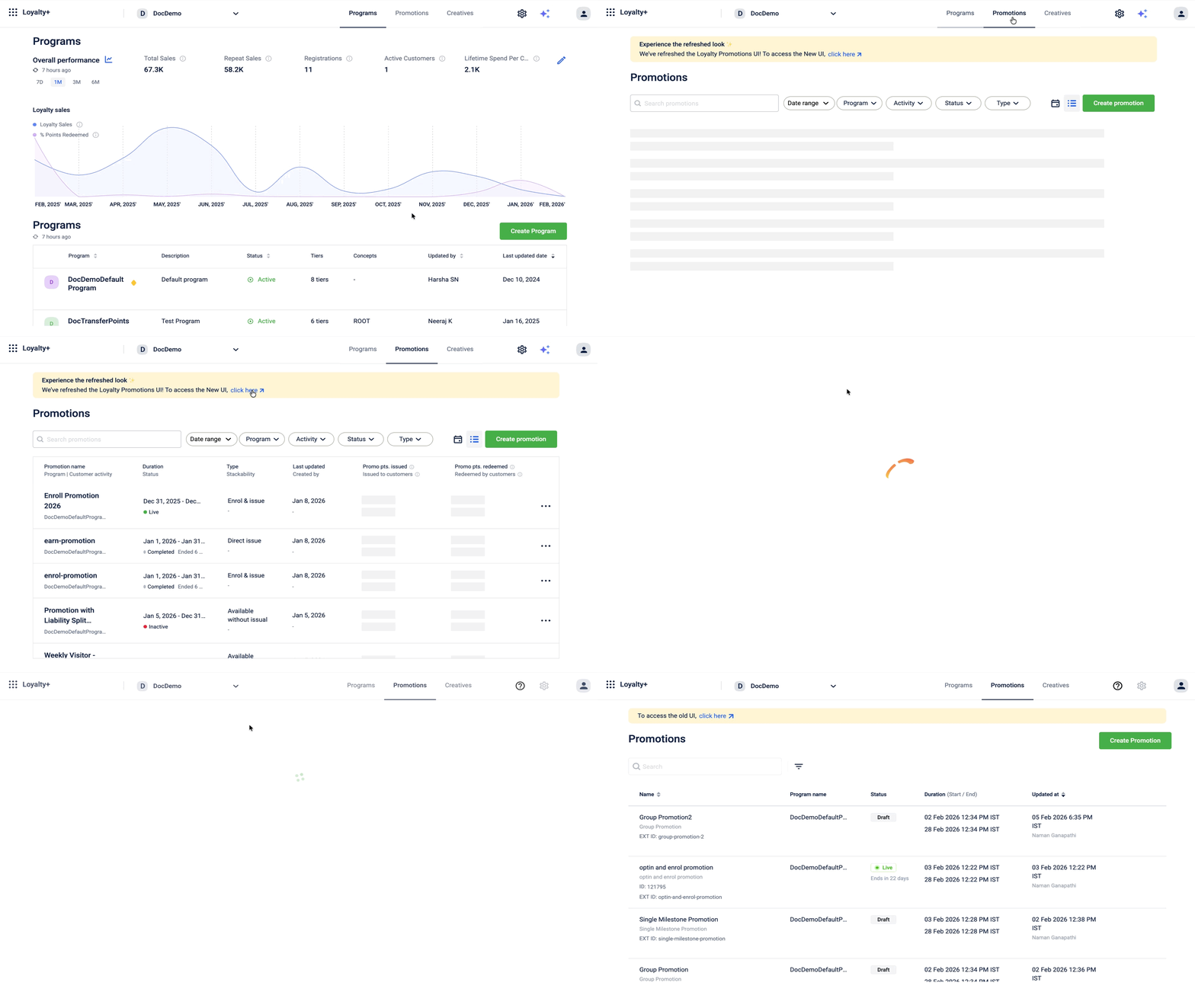
Accessing from Loyalty+
Once you have access to the loyalty promotions UI, you can navigate to the loyalty promotions UI from Loyalty+. Loyalty promotions UI is enabled by default for all organizations created after January 2026.
To access loyalty promotions, select the Promotions tab from the Loyalty+ program page.

Role-based access control (Maker-Checker)
The Maker-Checker role-based access control (RBAC) workflow is a fundamental security and quality control process for managing loyalty promotions. This system separates the responsibility of creating a promotion (the maker) from the responsibility of approving it (the checker). The primary goal of this workflow is to add a crucial layer of review to the promotion configuration process
Roles and permissions
There are four types of roles available. Each role has a set of permissions that determine what you can see and do. The following roles are available:
Role | Permission Set | Key Responsibility | Core Permissions |
|---|---|---|---|
Viewer | Loyalty+ Promotions Viewer | Monitor Promotions | View all loyalty promotions created for the organization. |
Maker | Loyalty+ Promotions Editor | Create & Edit Promotions |
|
Checker | Loyalty+ Promotions Approver | Approve & Reject Changes |
|
Admin | Loyalty+ Promotions Admin | Full Control |
|
Refer to the documentation on User Management for more information on providing access to users.
Updated 1 day ago