
Enrol Member in Loyalty Promotion
The enrol member in loyalty promotion action lets you enrol a member into a loyalty promotion.
Use Case
Prerequisites
- Create a loyalty program
- Create and configure a loyalty promotion
Configuring the Enrol member in Loyalty Promotion action
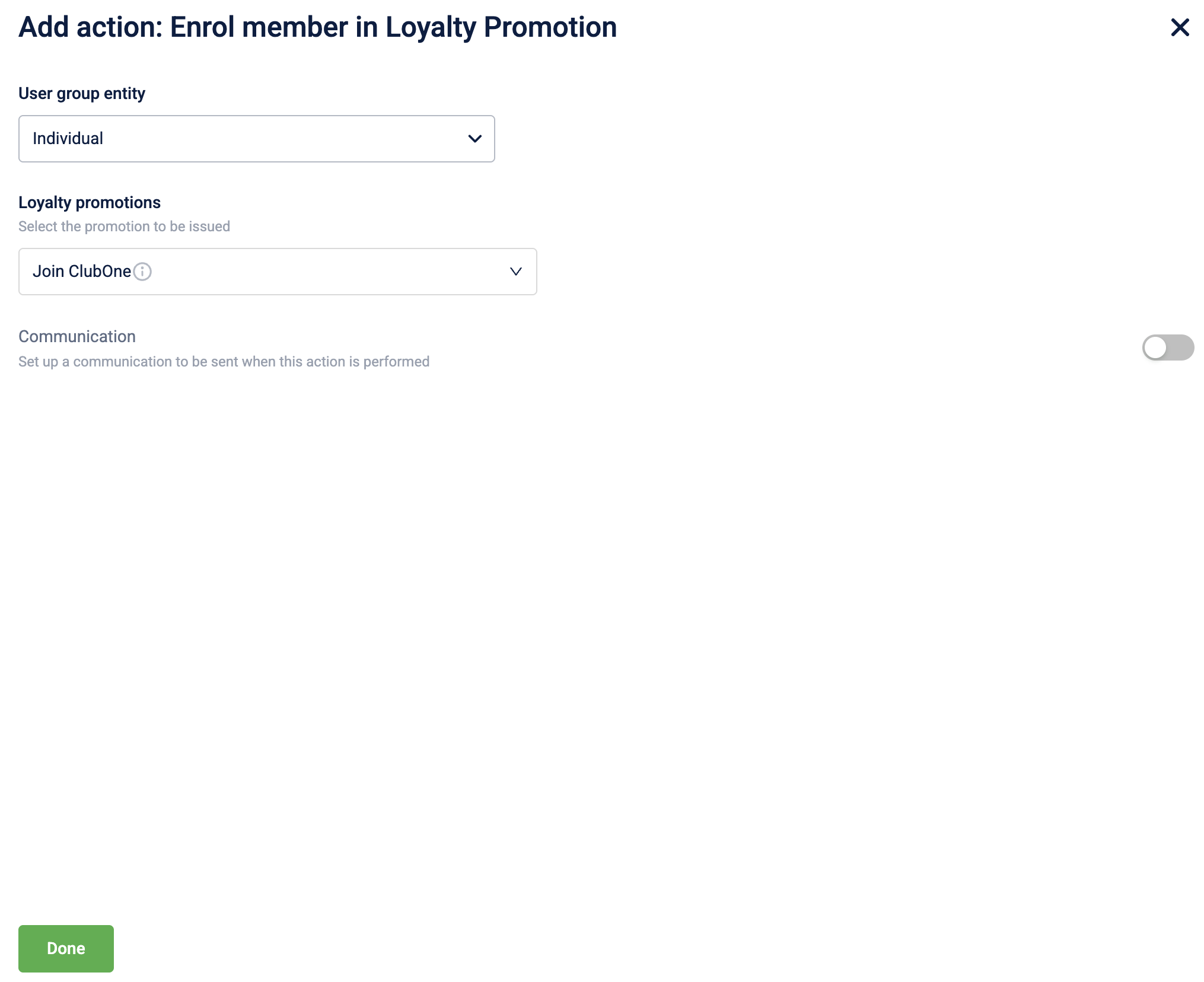
To configure the Enrol member in Loyalty Promotion action, follow these steps:
-
Select Enrol member in Loyalty Promotion from the action list.
-
Select the entity to perform the enrol action from the User group entity dropdown. You can choose to enrol an individual customer or a user group.
-
In the Loyalty promotions dropdown, select the specific promotion to enrol the customer.
-
Toggle Communication to ON to notify the customer when the reward is issued, and select the communication channels.
-
Select Done to complete the configuration.
Updated 1 day ago